

Best DocuSign Alternatives for Developers in 2026

DocuSign "works"…
It's the default choice for enterprise e-signatures, and for good reason. But if you're a developer building e-signature functionality into your product, you've probably noticed the friction.
The API documentation sprawls across dozens of pages. Pricing is locked behind annual contracts with per-seat minimums that don't make sense for API-first use cases. And getting a simple signing flow working can take weeks instead of hours.
Developer-First E-Signature Alternatives
This guide is for developers who need an alternative that fits how they actually build software.
We'll skip the GUI comparisons and CLM feature matrices you'll find in every other listicle.
Instead, we're focusing on what matters for programmatic e-signature: API design, pricing transparency, integration speed, and white-label capabilities.
Why Developers Are Looking for DocuSign Alternatives
The problems with DocuSign for developers aren't about whether it works. It's about how much effort it takes to make it work.
API complexity adds up fast
DocuSign's API is powerful, but that power comes with sprawling documentation and a steep learning curve. Getting a basic signing flow running means navigating OAuth configurations, envelope definitions, recipient routing, and webhook setups that feel over-engineered for straightforward use cases.
Per-seat pricing doesn't fit API use cases
When you're embedding signatures into your own product, you don't have "users" in the traditional sense. You have customers sending documents through your platform. DocuSign's pricing model, built around seats and annual envelope allotments, creates awkward conversations when your actual need is a predictable per-envelope cost.
Integration timelines stretch into weeks
Developers consistently report that getting DocuSign properly integrated takes two to four weeks of dedicated work. For teams shipping fast, that's a significant tax on every product that needs e-signature functionality.
White-labeling requires enterprise plans
If you want to remove DocuSign branding and present signatures as part of your own product experience, you're looking at enterprise-tier pricing and sales conversations.
What to Look for in a Developer-Friendly E-Signature API
Not every e-signature tool is built for developers. Here's what seperates a genuinely developer-friendly API from one that's been bolted onto an end-user product.
Top DocuSign Alternatives for Developers (2026)
Firma.dev
Firma.dev is built specifically for developers who need to add e-signatures to their products. The API is minimal by design, with clear documentation and code examples that get you to a working integration in hours rather than weeks.
Pricing
€0.049 per envelope. No monthly fees, no minimums, no annual contracts. You pay for what you send.
API quality
Clean REST endpoints, straightforward authentication with API keys, and comprehensive webhook support. The documentation includes working code snippets in multiple languages.
Integration time
Most developers report going from zero to production in a few hours. The embedded signing editor and template editor can be dropped into your app via iframe with minimal configuration.
White-label support
Full white-labeling included at the base price. Customer Workspaces let SaaS builders create isolated, branded signing environments for each of their own customers.
Key differentiator
The pricing. At €0.049 per envelope, Firma.dev is 50-70x cheaper than most alternatives. For a SaaS product sending 10,000 envelopes per month, that's €490 versus €15,000+ with DocuSign.
Dropbox Sign (formerly HelloSign)
Dropbox Sign has a clean API that's popular with developers who need straightforward e-signature functionality. The Dropbox brand adds credibility, and the documentation is reasonably well-organized.
Pricing
API Essentials starts at €75/month (billed annually, so €900 upfront) for 50 signature requests per month. That works out to €1.50 per envelope. Annual commitment required.
API quality
Well-designed REST API with good documentation. Supports embedded signing and templates.
Integration time
Generally takes a few days to a week depending on complexity.
White-label support
Available on higher-tier plans at additional cost.
Key differentiator
The Dropbox ecosystem. If your users are already in Dropbox, the native integration can simplify document management, if you're willing to pay.
SignWell
SignWell positions itself as a simpler, more affordable alternative to the enterprise players. The API is straightforward and the company has good developer documentation.
Pricing
Annual plans only for real usage. The Starter plan runs €1,008/year for 500 signatures, which comes to €2.02 per envelope. Pay-as-you-go options exist but cap you at 250 envelopes per year before forcing an upgrade.
API quality
Clean and simple. Good for basic signing workflows.
Integration time
A few days for most implementations.
White-label support
Available on business plans.
Key differentiator
Simplicity. If you need basic e-signatures without enterprise complexity, SignWell delivers, but at a high cost.
BoldSign
BoldSign offers competitive API pricing and solid documentation. It's built by Syncfusion, which has a long track record in developer tooling.
Pricing
Standard plan runs €30/month for 40 envelopes, then €0.75 per envelope for overages. Annual billing appears to be required.
API quality
Good REST API with embedded signing support.
Integration time
Similar to other mid-tier options, expect a few days to a week.
White-label support
Not included in the base plan. Missing from lower tiers along with unlimited workspaces, custom branding, and SSO support.
Key differentiator
The Syncfusion connection. If you're already using their component libraries, BoldSign integrates naturally into that ecosystem.
PandaDoc
PandaDoc is primarily a document automation platform, but they offer API access for developers who need programmatic control. The platform shines for complex document workflows beyond basic e-signatures.
Pricing
API access requires the Developer plan at €1.00 per envelope, hard capped at 40 envelopes. Overages jump to €4.00 per envelope. Enterprise pricing for higher volumes.
API quality
Comprehensive but complex. The API reflects the platform's document automation focus, which adds capabilities but also adds learning curve.
Integration time
Expect a week or more due to the platform's complexity.
White-label support
Enterprise plans only.
Key differentiator
Document automation. If you need to programatically generate complex documents with conditional logic before sending for signature, PandaDoc's strength is the full document workflow.
DocuSeal
DocuSeal is an open-source e-signature solution you can self-host. For developers who need complete control over their infrastructure or have strict data residency requirements, it's worth considering.
Pricing
Free to self-host. Managed hosting available at various price points.
API quality
Good for an open-source project. Active development and community contributions.
Integration time
Longer if self-hosting due to infrastructure setup. Faster with managed hosting.
White-label support
Complete control since you own the deployment.
Key differentiator
Open source. Full control over your data and infrastructure, no vendor lock-in, but you could be taking on the legal responsibility of guaranteeing your own documents.
Firma.dev vs DocuSign: A Closer Look
For developers evaluating alternatives, the comparison between Firma.dev and DocuSign illustrates the core tradeoffs.
Pricing Comparison Table
The pricing gap is substantial. DocuSign's per-envelope cost runs 65x higher than Firma.dev at the entry level, and overage fees can push that to 155x higher or more.
For a SaaS product sending 5,000 envelopes per month:
DocuSign: €9,400+ per month (enterprise pricing required at this volume)
Firma.dev: €145 per month
Integration Time
DocuSign's API documentation is comprehensive but sprawling. Developers report 2-4 weeks to production. Firma.dev's documentation is deliberately minimal, focusing on the most common use cases with working code examples. Most integrations ship in hours or days.
Customer Workspaces
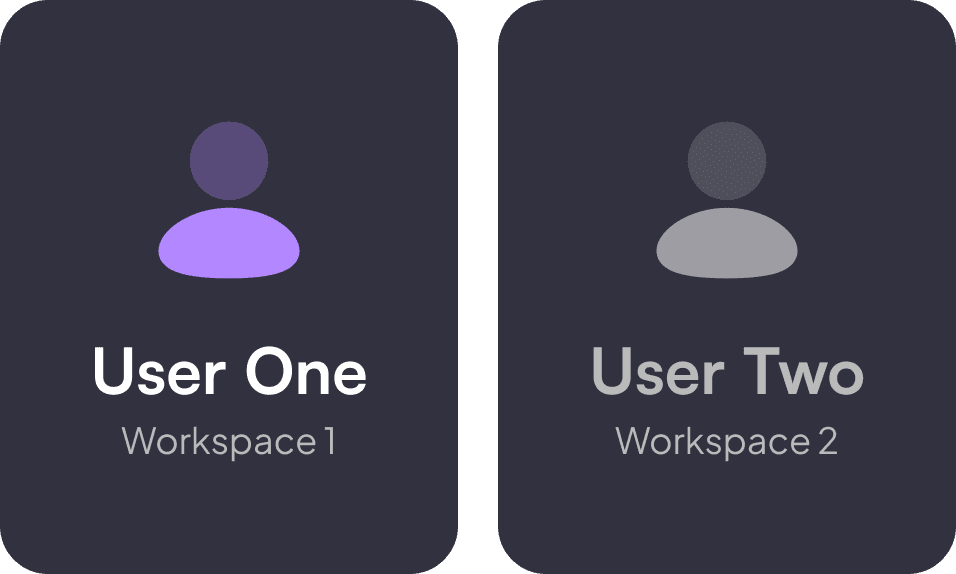
For SaaS builders, Firma.dev's Customer Workspaces solve a problem DocuSign doesn't address cleanly. Each of your customers gets an isolated environment with their own templates, branding, and envelope history. No cross-customer data exposure, clean usage tracking per customer, and your customers never see each other's documents.
DocuSign can technically achieve similar isolation, but it requires enterprise agreements and custom configuration.
White-Labeling
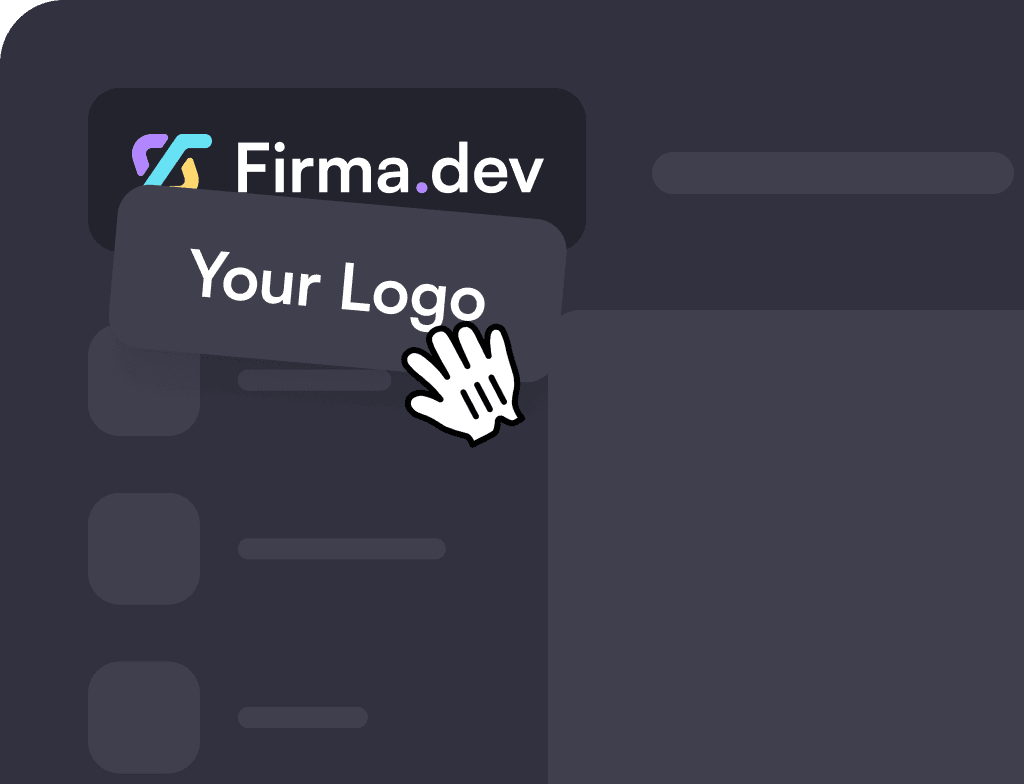
Firma.dev includes full white-label support at the base €0.049/envelope price. Remove all Firma.dev branding and present the signing experience as your own product.
DocuSign requires enterprise-tier plans for comparable white-labeling, adding significant cost and sales cycles.
Making the Switch
If you're currently on DocuSign or another provider, switching to Firma.dev is straightforward.
API compatibility
Firma.dev uses standard REST conventions. If you've integrated with any modern API, the patterns will be familiar. The main differences from DocuSign are simplification: fewer required fields, cleaner authentication, and more predictable responses.
Migration path
Start by creating envelopes in Firma.dev alongside your existing provider. Once you've validated the integration, redirect new signing requests to Firma.dev and let existing envelopes complete on your current platform.
Getting started
Create an account at firma.dev to get your API key. No credit card required. The free tier lets you test the full API in sandbox mode before sending production documents.
The Bottom Line
DocuSign built the e-signature category, but it wasn't built for developers embedding signatures into their own products.
The pricing model, integration complexity, and enterprise sales cycles create friction that doesn't fit how modern SaaS teams ship software.
If you need an e-signature API that's simple to integrate, transparent on pricing, and built for developers from the ground up, Firma.dev is worth evaluating.
Get your API key and start building in minutes, not weeks.
No credit card required.