

A dark, checkerboard-patterned background with subtle variations in black and gray squares. The image has a modern and sleek feel.

Features: Multi-Language Signature Support

Multi-Language Signature Support

Signatures that render correctly, no matter the language.

Your signers type their names in Japanese, Russian, Greek, Korean, or any Latin-based language. We renders them beautifully with curated signature fonts. No broken characters. No fallback fonts. Just signatures that look right.

Spain Flag
Portuguese Flag
United Kingdom Flag
Portuguese Flag
United Kingdom Flag
United Kingdom Flag

Supported Writing Systems

Firma.dev automatically detects and renders signatures in 5 script families:

Script

Languages Supported

Signature Font

Latin/Western

English, Spanish, French, German, Portuguese, Italian, Polish, Czech

Curated signature fonts

Cyrillic

Russian, Ukrainian, Bulgarian, Serbian

Marck Script

Greek

Modern Greek (including ά, έ, ί, ό and other accented characters)

Zen Kurenaido

Japanese

Hiragana, Katakana, Kanji

Zen Kurenaido

Korean

Hangul

Nanum Pen Script

Each script family includes multiple signature style options. The fonts are hand-picked to look like actual signatures, not typed text.

How It Works

Signer types their name

In the signing flow, your user types their name as they normally would. No special input required.

Firma.dev detects the script

The system automatically identifies whether the name is Latin, Cyrillic, Greek, Japanese, or Korean based on the characters used.

Signature renders with the right font

The typed name gets rendered as a signature using a curated font for that script. The signer can preview it and choose from multiple styles.

If auto-detection gets it wrong (rare, but possible with mixed-script names), signers can manually switch scripts in the signing UI.

Why This Matters for Global SaaS
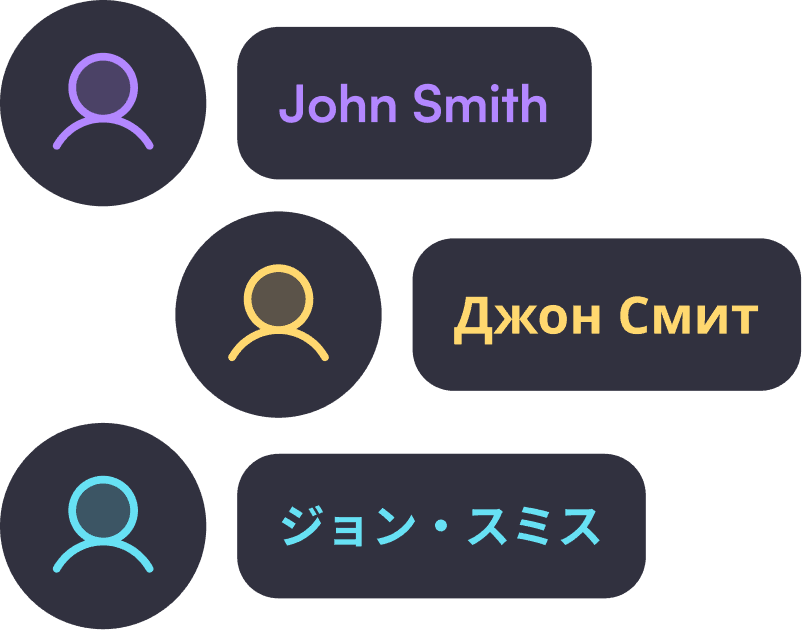
Three user profile icons with name tags in purple, gold, and blue, featuring "John Smith" in different languages.

Global Name Rendering

If you're building software for international markets, your users expect their names to display correctly. A Russian name rendered in a Latin fallback font looks broken. A Japanese name that shows as rectangles signals a low-quality product.

Universal Script Support

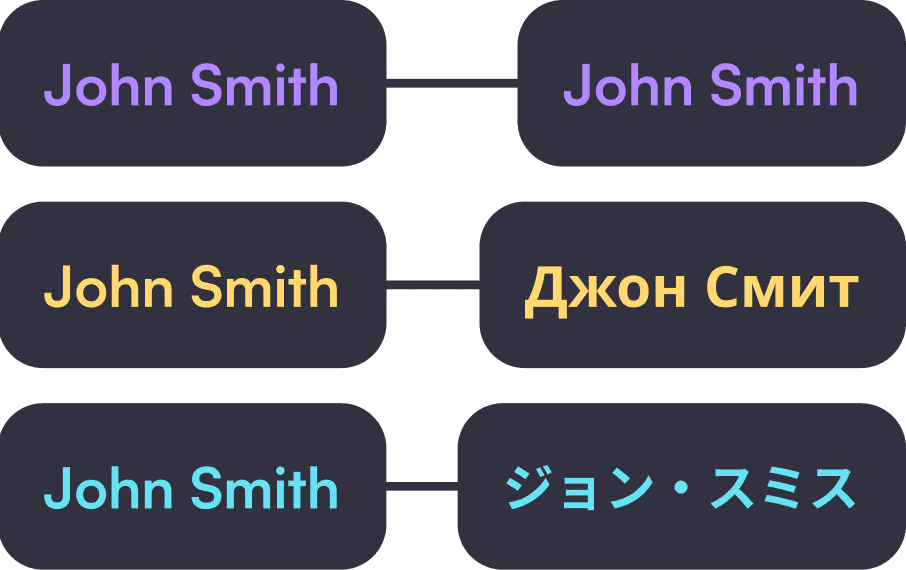
With Firma.dev, you don't have to think about it. Names render correctly in the signing experience, in the final signed PDF, and in the completion certificate. Your integration code stays the same whether your signer is in São Paulo, Seoul, or Stockholm.

Zero extra API parameters. It just works.
"Illustration of a coding interface showing JSON data, flanked by icons. Left icon shows '3 Weeks' delivery, right icon shows '2.5 Hours'. An arrow points from the left to the right, suggesting a transition or update. The tone is technical and efficient.

Interface Languages

Interface Languages

Separate from signature rendering, the Firma.dev signing UI is available in 7 languages:

United Kingdom Flag
United Kingdom Flag
United Kingdom Flag

English

Spain Flag
Spain Flag
Spain Flag

Spanish

Portuguese Flag
Portuguese Flag
Portuguese Flag

Portuguese

France Flag
France Flag
France Flag

French

Portuguese Flag
Portuguese Flag
Portuguese Flag

Italian

United Kingdom Flag
United Kingdom Flag
United Kingdom Flag

German

United Kingdom Flag
United Kingdom Flag
United Kingdom Flag

Greek

Your signers see buttons, instructions, and notification emails in their preferred language. Combined with multi-script signatures, this creates a fully localized signing experience.

FAQ

Frequently asked questions

For any unanswered questions, reach out to our support team via email. We'll respond as soon as possible to assist you.

Do I need to pass a language or script parameter in my API calls?

No. Script detection is automatic based on the characters in the signer's typed name. Your API integration doesn't change.

What fonts are used for signatures?

Each script has curated fonts designed to look like handwritten signatures. Cyrillic uses Marck Script, Japanese uses Zen Kurenaido, Korean uses Nanum Pen Script, and Greek uses Zen Kurenaido. Latin scripts use our default signature font collection.

Can signers switch scripts manually?

Yes. If auto-detection picks the wrong script (uncommon, but possible with mixed-language names), signers can manually select a different script family in the signing UI.

Do signatures render correctly in the final PDF?

Yes. All signatures render correctly in the signed document and the completion certificate, regardless of script.

What if a name mixes multiple scripts?

The system detects the dominant script. For edge cases, signers can manually override. The signature will render using whichever script family is selected.

OK, I'm in. How do I start?

Simple. Create your account here, and we'll generate your API key.


FAQ

Frequently asked questions

For any unanswered questions, reach out to our support team via email. We'll respond as soon as possible to assist you.

Do I need to pass a language or script parameter in my API calls?

No. Script detection is automatic based on the characters in the signer's typed name. Your API integration doesn't change.

What fonts are used for signatures?

Each script has curated fonts designed to look like handwritten signatures. Cyrillic uses Marck Script, Japanese uses Zen Kurenaido, Korean uses Nanum Pen Script, and Greek uses Zen Kurenaido. Latin scripts use our default signature font collection.

Can signers switch scripts manually?

Yes. If auto-detection picks the wrong script (uncommon, but possible with mixed-language names), signers can manually select a different script family in the signing UI.

Do signatures render correctly in the final PDF?

Yes. All signatures render correctly in the signed document and the completion certificate, regardless of script.

What if a name mixes multiple scripts?

The system detects the dominant script. For edge cases, signers can manually override. The signature will render using whichever script family is selected.

OK, I'm in. How do I start?

Simple. Create your account here, and we'll generate your API key.


FAQ

Frequently asked questions

For any unanswered questions, reach out to our support team via email. We'll respond as soon as possible to assist you.

Do I need to pass a language or script parameter in my API calls?

No. Script detection is automatic based on the characters in the signer's typed name. Your API integration doesn't change.

What fonts are used for signatures?

Each script has curated fonts designed to look like handwritten signatures. Cyrillic uses Marck Script, Japanese uses Zen Kurenaido, Korean uses Nanum Pen Script, and Greek uses Zen Kurenaido. Latin scripts use our default signature font collection.

Can signers switch scripts manually?

Yes. If auto-detection picks the wrong script (uncommon, but possible with mixed-language names), signers can manually select a different script family in the signing UI.

Do signatures render correctly in the final PDF?

Yes. All signatures render correctly in the signed document and the completion certificate, regardless of script.

What if a name mixes multiple scripts?

The system detects the dominant script. For edge cases, signers can manually override. The signature will render using whichever script family is selected.

OK, I'm in. How do I start?

Simple. Create your account here, and we'll generate your API key.


Background Image

Ready to add e-signatures to your application?

Get started for free. No credit card required. Pay only $0.029 per envelope when you're ready to go live.

Background Image

Ready to add e-signatures to your application?

Get started for free. No credit card required. Pay only $0.029 per envelope when you're ready to go live.

Background Image

Ready to add e-signatures to your application?

Get started for free. No credit card required. Pay only $0.029 per envelope when you're ready to go live.

English, Spanish, French, German, Portuguese, Italian, Polish, Czech