


Want the full picture? This post focuses on email branding and notification control. For a comprehensive overview of all white-labeling features, including logos, color theming, embedded interfaces, and the settings hierarchy, see The Complete Guide to White-Label E-Signatures for SaaS.
If you're embedding e-signatures into your product, you probably don't want your users getting emails from a vendor they've never heard of. When a customer receives a signing request, it should come from you, look like you, and sound like you.
Firma.dev gives you several options here. You can send emails from your own domain, customize the sender address, use your own email templates, or turn off Firma.dev's emails entirely and handle notifications yourself. This post covers all of these approaches.
What We Mean by White-Labeling
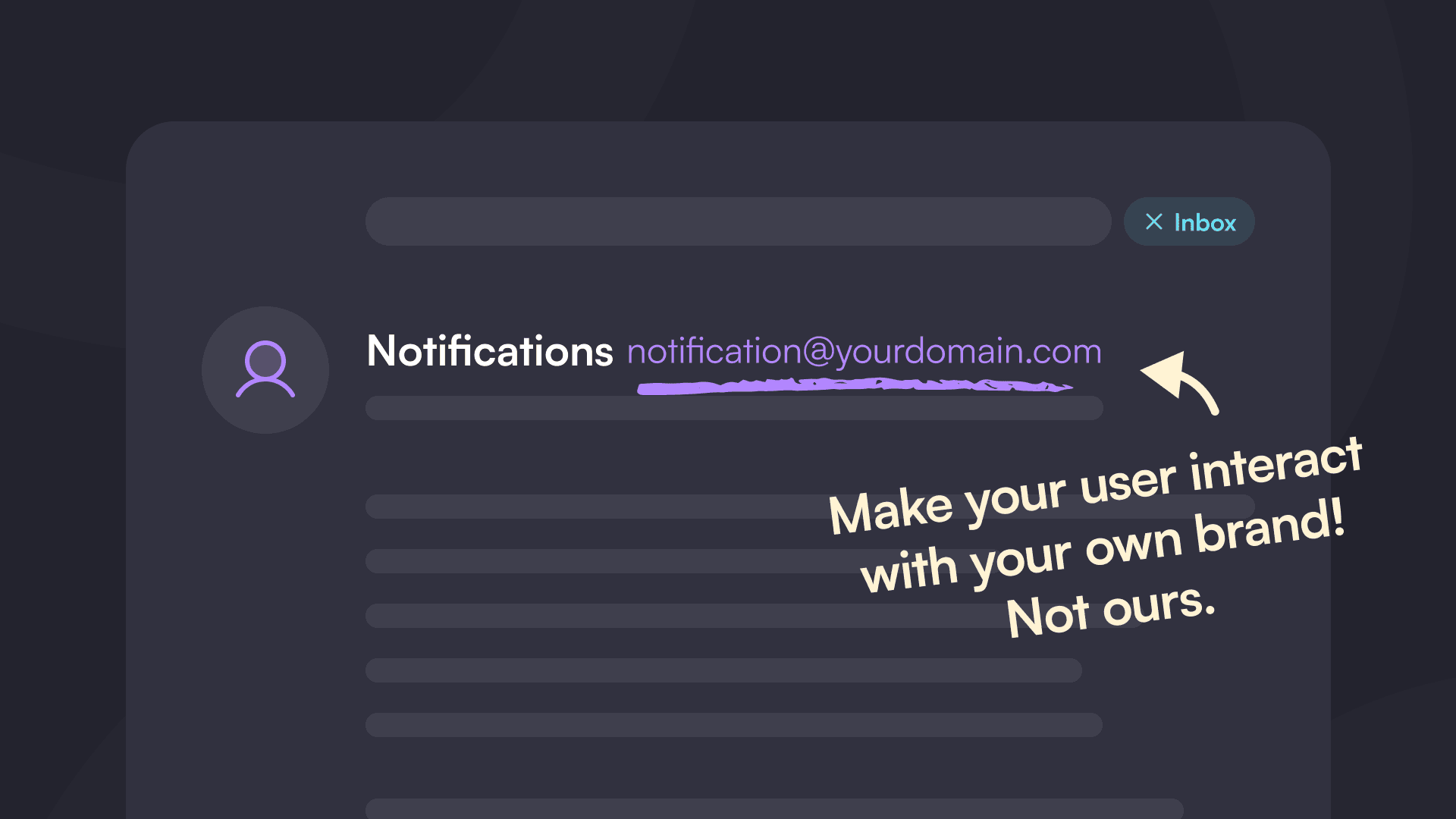
White-labeling means your users interact with your brand, not ours. When they get an email asking them to sign a document, it comes from your email domain with your branding. When they sign, they see your logo and colors. From your user's perspective, the e-signature functionality is just part of your product.
This matters most for SaaS platforms, HR software, legal tech products, and any application where e-signatures are a feature rather than the core product. You want the experience to feel native, not bolted on.
Option 1: Send Emails from Your Own Domain
By default, Firma.dev sends signing request emails from our domain. If you'd rather have them come from your company, you can configure a custom email domain via the API or in the dashboard.
The setup process is API-driven and straightforward:
Add your domain using the domains endpoint
Add a TXT record to your DNS for ownership verification
Verify ownership through the API
Finalize to receive your SPF, DKIM, and DMARC records
Add those DNS records
Verify DNS through the API
Once verified, all signing-related emails (requests, completions, reminders, cancellations) will come from your domain instead of Firma.dev's.
This works at both the company and workspace level. If you're running a multi-tenant product, each workspace can have its own custom email domain. Customer A gets emails from documents@customera.com, Customer B gets emails from contracts@customerb.com. Fully isolated.
Option 2: Customize the Sender Address
Beyond the domain, you can control exactly what the sender address looks like. The email address is built from three components: the sender name, the local part (the bit before the @), and the domain.
Set the email_local_part at the company or workspace level to change it from the default (support) to something like noreply, signing, or documents. Combined with a custom domain, your emails will come from something like Jane Smith <noreply@sign.acmecorp.com> instead of Jane Smith <support@updates.firma.dev>.
Each component resolves through a fallback chain. The workspace setting takes priority, then the company setting, then Firma.dev's defaults. At the workspace level, set any value to null to inherit from the company.
Validation rules for the local part: 1-64 characters, lowercase letters, numbers, dots, underscores, and hyphens. Must start and end with a letter or number. Reserved values like postmaster and abuse aren't allowed.
Option 3: Custom Email Templates
If you want your signing emails to match your brand voice and design, you can customize the templates Firma.dev uses for every email it sends. There are 11 customizable email types covering the full signing lifecycle:
Signing invitations
Next-signer notifications (for sequential signing)
Resend notifications
Automatic reminders
Expiration notices
Cancellation notices
Decline notifications (to other signers and to the admin)
Completion confirmations
Signer identity change alerts
Each template has a customizable subject line and HTML body. You can use dynamic placeholders like {{signer_name}}, {{signing_link}}, {{company_logo}}, {{team_name}}, and more to keep emails personalized.
To get started quickly, you can retrieve Firma.dev's built-in default templates for any of the 9 supported languages and use them as a starting point. Modify the HTML, swap in your brand colors and copy, and set the template at either the company or workspace level.
Templates follow the same cascading hierarchy as other settings. Company templates provide a consistent baseline, and workspace templates override them where needed. Deleting a template at any level causes it to fall back to the next level in the chain.
For the full list of placeholders and implementation details, see the White Labeling Guide.
Option 4: Turn Off Firma.dev Emails Entirely
If you want complete control over your email flow, you can turn off Firma.dev's transactional emails and handle everything yourself.
Four settings control which emails we send:
send_signing_email– the initial "please sign this document" notificationsend_finish_email– the completion confirmation when all signers finishsend_expiration_email– the reminder when a request is about to expiresend_cancellation_email– the notification when a request gets cancelled
All four default to true. Set any of them to false, and we won't send that email. Set all four to false, and we stay completely out of your email flow.
You can configure these settings in a few places:
Via the API when creating a signing request
In the template creation screen in the dashboard
In the signing request creation screen in the dashboard
The typical pattern for teams who want full control is to turn off all Firma.dev emails and use webhooks to trigger their own. When a signing request is sent, you get a webhook event. When someone signs, you get an event. When the document is complete, you get an event. You use those to send your own emails from your own system.
This gives you complete control over the copy, the design, the sender address, and the timing. Your emails, your brand, your rules.
Disable the Firma.dev Terms Acceptance Screen
By default, signers have to accept Firma.dev's terms and conditions before they can sign a document. This is a brief interstitial screen that appears when they open the signing link.
If you want to remove this screen, there's a workspace setting called "Require Terms Acceptance." Turn it off, and signers go straight to the document without seeing our terms.
A note on this: if you disable our terms screen, you're taking on the responsibility of informing signers about the legal implications of their electronic signature. We recommend having your own terms and conditions that cover e-signature consent. This keeps you aligned with frameworks like ESIGN, UETA, and eIDAS without relying on ours.
Workspace-Level Settings for Multi-Tenant Products
If you're building a SaaS product where each of your customers needs their own branded experience, workspaces give you that isolation.
Each workspace can have:
Its own custom email domain
Its own sender address (email local part)
Its own email templates for all 11 email types
Its own logo and color theme
Its own terms acceptance setting
Its own templates and signing requests
Its own API key
So Customer A can have emails from their domain with their logo and custom templates, while Customer B uses a different domain with different branding. Each workspace is completely separate.
Check out the customer workspaces feature page for more on multi-tenant architecture.
Putting It Together
Here's a quick rundown of your options:
Want branded emails fast? Add your domain and set email_local_part. Emails come from noreply@yourdomain.com within a few hours (mostly DNS propagation).
Want branded email content too? Customize the email templates with your HTML, copy, and placeholders. Use the defaults as a starting point.
Want to send your own emails? Turn off the four email settings and use webhooks to trigger your own notifications through your existing infrastructure.
Want to remove the Firma.dev terms screen? Disable "Require Terms Acceptance" in workspace settings and use your own terms.
You can mix and match. Some teams use custom domains and templates with Firma.dev handling delivery. Others turn off everything and handle the whole flow themselves. It's flexible.
For the full white-labeling picture, including visual branding (logos, colors), embedded interfaces, and the complete settings hierachy, see The Complete Guide to White-Label E-Signatures for SaaS.
Wrapping Up
White-labeling your e-signature emails keeps the experience consistent with your product. Whether you want emails from your domain, custom-branded templates, or complete control over the notification flow, Firma.dev gives you the tools to make it happen. And all of these features are included at every pricing tier, starting at €0.049 per envelope (~5¢ USD).
Get started with Firma.dev for free, no credit card required.
Related articles
Our platform is designed to empower businesses of all sizes to work smarter and achieve their goals with confidence.




