January was a busy month. We shipped a bunch of updates to Firma.dev that we're pretty excited about, and most of them came directly from feedback we got from developers building on the API.
The theme this month was making the API faster, more flexible, and easier to integrate. Some of these changes are small quality-of-life improvements. Others unlock entirely new workflows. We're now on version 1.2.0, and everything here is live today.
Here's the rundown.
40% Faster Signing Requests
We spent a couple weeks digging into performance and managed to cut our average signing request latency from 820ms down to about 500ms. That's roughly a 40% improvement across the board.
The changes were mostly infrastructure work. We cleaned up some database queries that had gotten inefficient over time, and we moved static assets behind AWS CloudFront for edge caching. Nothing groundbreaking, but the kind of work that compounds.
If you're embedding signatures into your product, this matters more than it might seem. 300ms of latency doesn't sound like much, but it's the difference between a signing flow that feels instant and one that feels sluggish. Faster responses mean fewer abandoned flows and less friction for your users.
One-Off Signing Requests (No Template Required)
Previously, if you wanted to send a document for signature through Firma.dev, you had to create a template first. That made sense for repeatable workflows like employment contracts or NDAs, but it added unnecessary steps for one-time documents.
Now you can skip the template entirely. Upload a PDF directly, define your fields and recipients inline, and send it out. One API call, no template creation required.
This is useful for ad-hoc agreements, one-time contracts, or any situation where you're not going to reuse the document structure. You still get all the same field types, signer options, and tracking. You just don't have to set up a template first.
Check out the create signing request endpoint for implementation details.
Atomic Create + Send Endpoint
Speaking of reducing API calls: we added a new atomic endpoint that lets you create and send a signing request in a single call.
Previously you'd call the create endpoint, then call the send endpoint. Two requests, two round trips. The new /signing-requests/create-and-send endpoint combines both into one.
But the real benefit is transactional integrity. The endpoint validates everything before it creates anything. If something fails validation, nothing gets created and you don't get charged. Credits are only deducted after the signing request is successfully created and the emails go out.
From the docs: "Single API call instead of two separate requests... Atomic credit deduction – only charges if everything succeeds."
If you're building automations or high-volume workflows, this endpoint is cleaner and more reliable than chaining two calls together.
Read-Only Fields
You can now mark fields as read-only when creating or updating a signing request. These are fields that show up on the document with pre-filled values, but the signer can't edit them.
This is useful for things like contract amounts, reference numbers, calculated totals, or employee IDs. Anything the signer needs to see for context but shouldn't be able to change.
You'll find the read_only property in the comprehensive update endpoint. Set it to true on any text field, and it becomes visible but non-editable.
Granular Email Controls
We added four new settings that give you fine-grained control over which emails Firma.dev sends on your behalf:
send_signing_email– the initial "please sign this document" notificationsend_finish_email– the "signing complete" confirmationsend_expiration_email– the reminder when a request is about to expiresend_cancellation_email– the notification when a request gets cancelled
All four default to true, so existing integrations work exactly as before. But if you want to send your own branded emails instead of ours, you can now turn any or all of these off and handle notifications yourself.
This pairs nicely with the white-label settings below.
Skip Firma.dev Terms for Full White-Labeling

There's a new setting in your workspace called "Require Terms Acceptance." When it's enabled (the default), signers have to accept Firma.dev's terms and conditions before signing. When you disable it, that step goes away entirely.
This is designed for teams that want a fully white-labeled signing experience. Your signers see your branding, your emails (if you've turned off ours), and your terms. Firma.dev stays invisible.
If you go this route, we recommend having your own terms and conditions in place. You're taking on the responsibility of informing signers about the legal implications of their signature, so make sure your own T&Cs cover that.
Combined with the email controls above, you can now run a completely branded signing experience without any Firma.dev UI showing up for your end users.
New Developer Guides
We rewrote a chunk of our documentation this month. Three new guides went live:
Authentication Guide – Covers API key authentication for server-to-server requests, plus JWT tokens for embedding the template and signing request editors in your app. Also includes the new API key rotation flow with 24-hour grace periods.
Rate Limits Guide – Documents all the rate limit tiers (200 requests/min for reads, 120/min for writes, and so on). Important note here: rate limits are per workspace, and you can have unlimited workspaces on your account. That gives you effectively unlimited horizontal scalability. If you somehow need even higher limits for a specific use case, reach out to support and we can bump them, but the defaults are already built for very high volume.
Complete Setup Guide – A full end-to-end walkthrough from account creation to embedded signing. Covers workspaces, templates, signing requests, embedded editors, webhooks, and credit management. If you're just getting started, this is the place to begin.
Full API Versioning
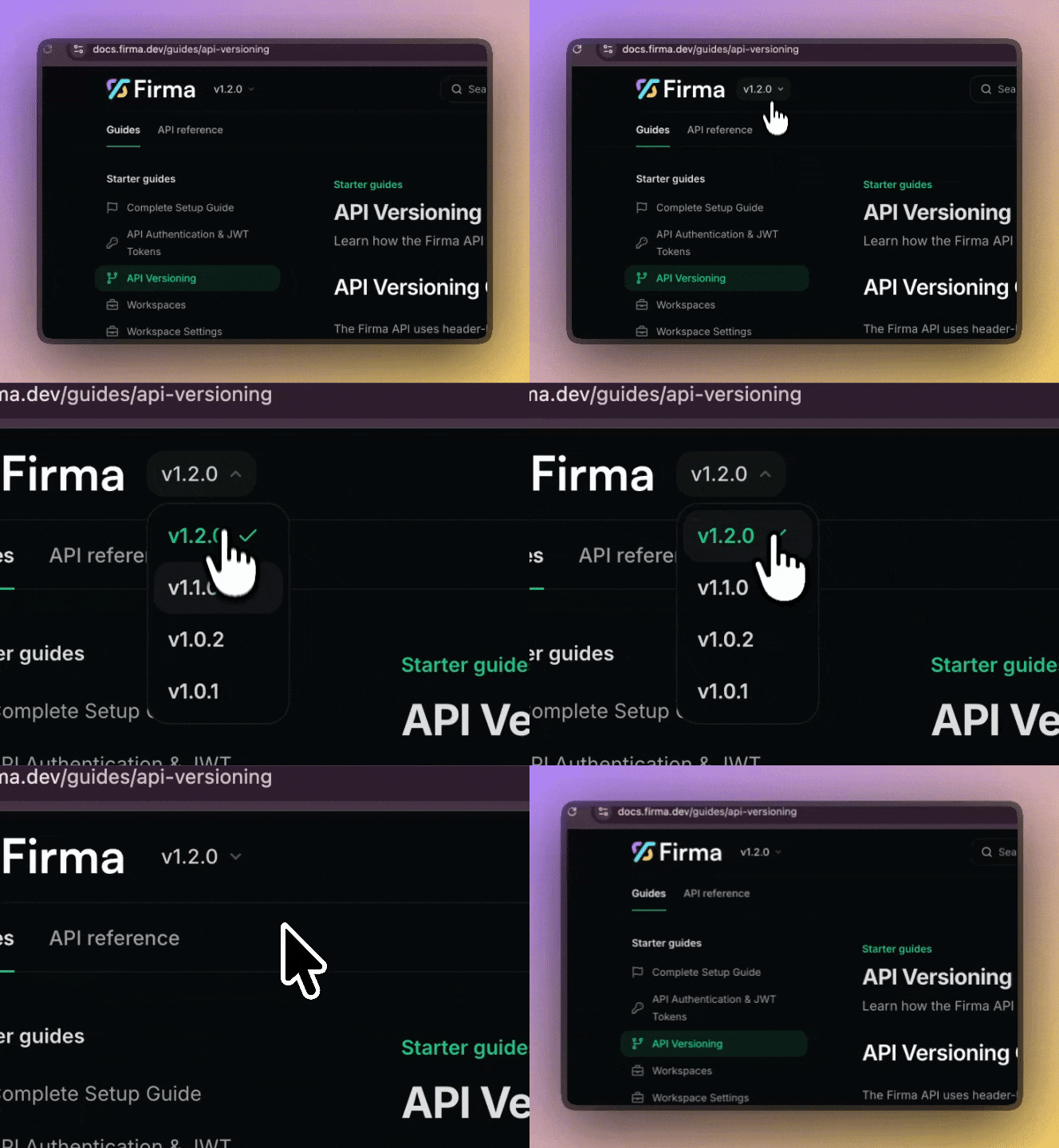
We introduced a formal versioning system this month. The API now uses header-based versioning via the X-API-Version header, and we're currently on v1.2.0.
The short version: we're committed to not breaking your integration. From the versioning guide: "Breaking changes are only introduced in major version increments... Non-breaking changes such as new optional fields or new endpoints do not require a new version."
When we do eventually release a v2, the old version won't just disappear. You'll get deprecation warnings in the response headers for at least six months before anything gets sunset. The headers follow RFC 8594, so if you're already checking for Deprecation and Sunset headers in other APIs, you'll know what to expect.
For now, v1 is active with no deprecation scheduled. Everything we shipped this month is additive, so your existing integration keeps working without changes.
Wrapping Up
That's January. A lot of small-to-medium improvements that add up to a more capable, more flexible API.
Pricing hasn't changed. It's still €0.049 per envelope, pay-as-you-go, no minimums. If you haven't tried Firma.dev yet, you can test with real documents for free, no limits, and only pay when you go live.
We're going to keep shipping. If there's something you want to see in the API, let us know.
Get started for free – no credit card required.
Related articles
Our platform is designed to empower businesses of all sizes to work smarter and achieve their goals with confidence.