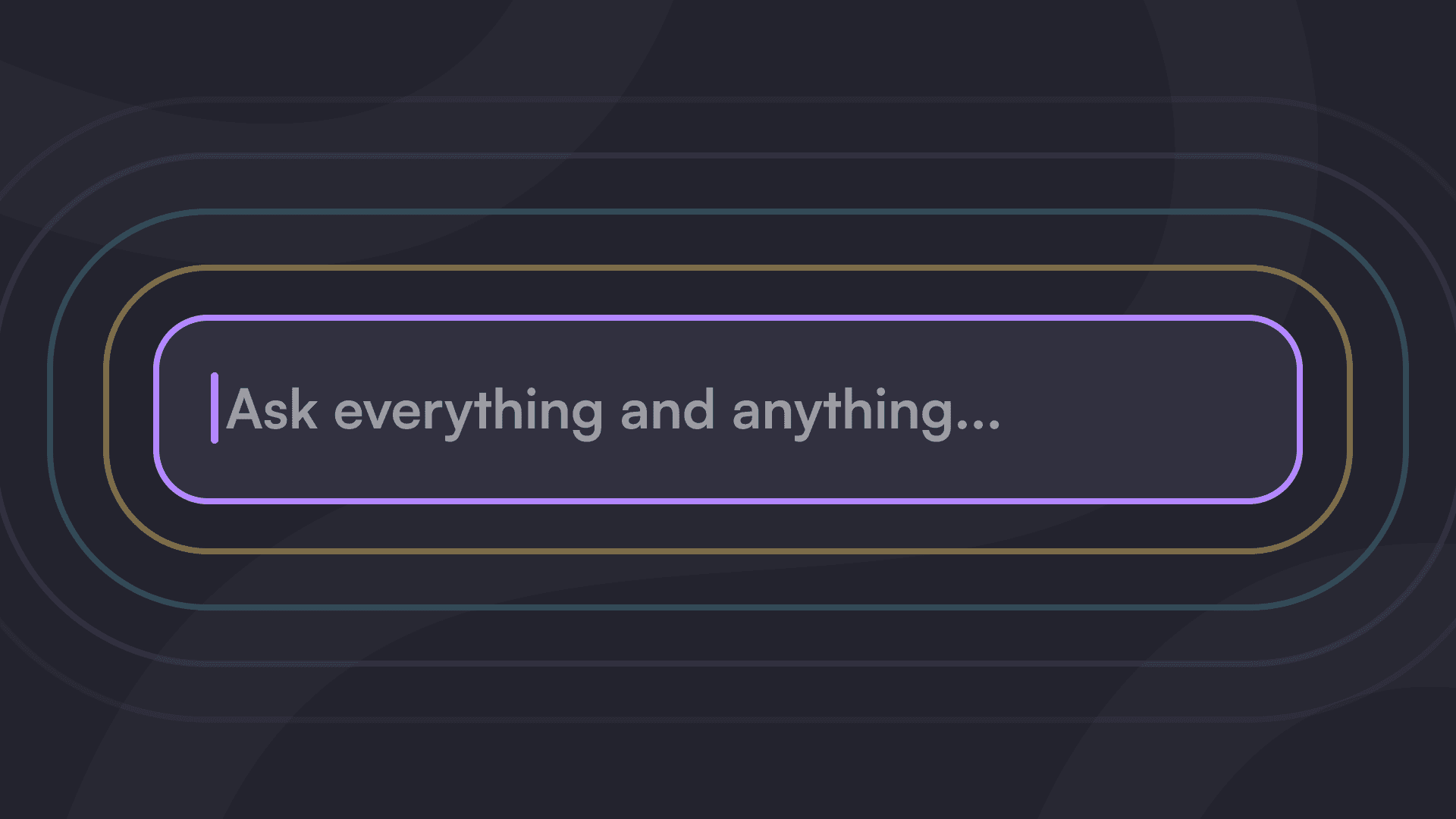
Firma.dev documentation now has built-in AI chat. Look for the "Ask a question..." widget at the bottom of any page on docs.firma.dev.
Ask it anything about the Firma.dev API. It'll give you detailed answers, reference specific endpoints, and help you figure out the right approach for your implementation.
What It Can Do
The AI assistant is trained on our entire documentation. It can:
Answer specific questions. "What parameters does the create signing request endpoint accept?" or "How do I add a second signer to an existing request?"
Recommend endpoints. Not sure which API call you need? Describe what you're trying to do, and it'll point you to the right endpoint with an explanation of how to use it.
Help with implementation. "Should I use the template editor or signing request editor for my use case?" or "What's the best way to handle webhook retries?"
Troubleshoot issues. Getting an error? Describe what's happening, and it'll help you diagnose the problem based on the documentation.
It won't write production code for you, but it'll give you the context and guidance you need to write it yourself.
How to Use It
Visit any page on docs.firma.dev. At the bottom of the screen, you'll see a chat widget that says "Ask a question..."
Click it. Type your question. Get an answer.
The AI pulls from our guides, API reference, and tutorials to give you accurate, contextual responses. If you need to dig deeper, it'll point you to the relevant documentation pages.
Even More AI: MCP Server
If you use Claude, Cursor, or VS Code, you can also connect directly to our docs via MCP (Model Context Protocol). This lets you ask questions about the Firma.dev API without leaving your editor.
MCP Server URL: https://docs.firma.dev/mcp
We wrote a full guide on how to connect the MCP server to your favorite AI tools.
Get Started
Head to docs.firma.dev and try the AI chat. Ask it how to create your first signing request, set up webhooks, or configure white-labeling for your product.
If you don't have a Firma.dev account yet, sign up for free and get your API key in minutes.
Related articles
Our platform is designed to empower businesses of all sizes to work smarter and achieve their goals with confidence.