

Guides
Sign In to Firma.dev With Your Face: Passkey Support Is Here
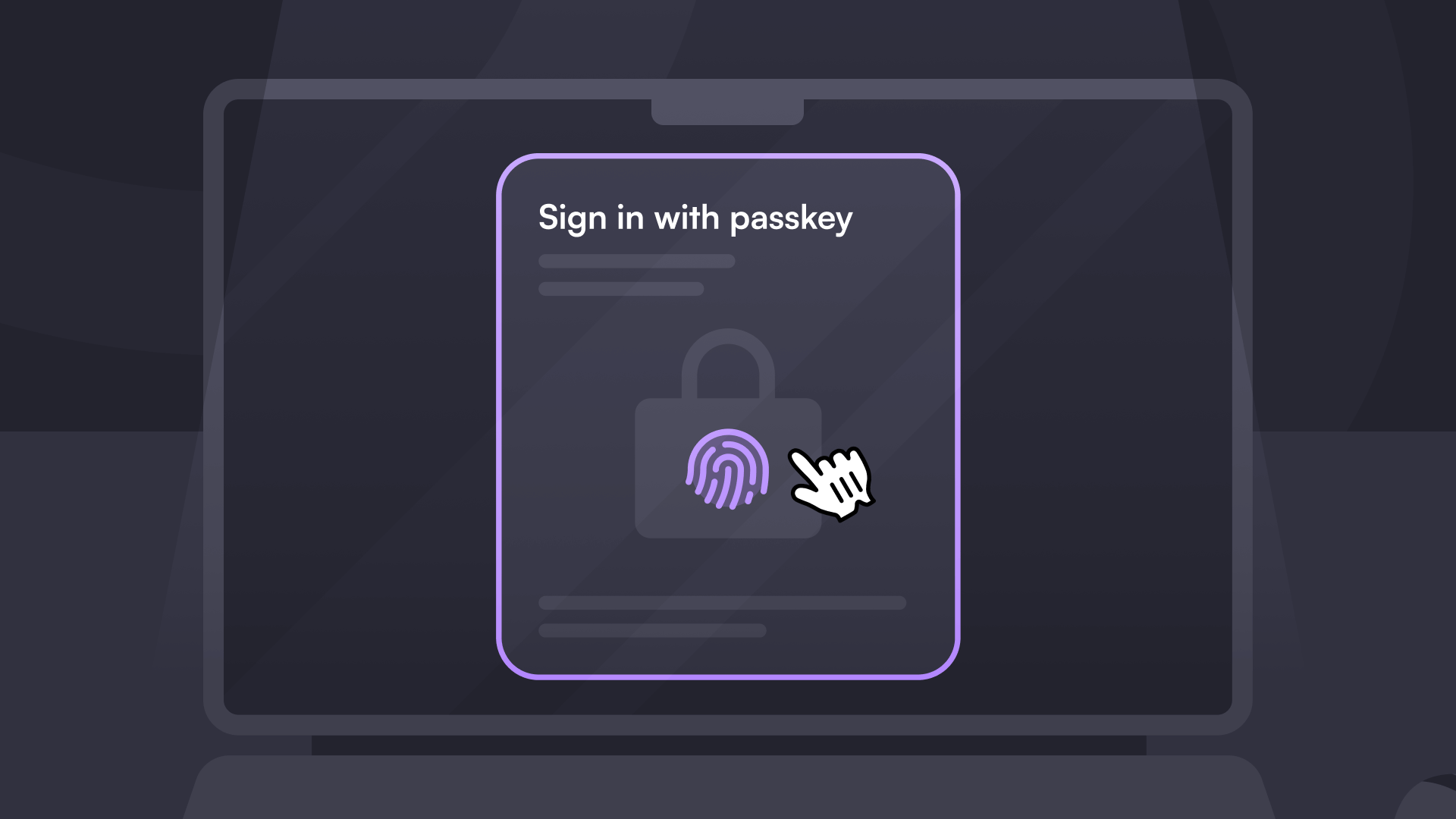
Firma.dev now supports passkey sign-in. Authenticate with Face ID, Touch ID, Windows Hello, or a hardware security key instead of a password. One tap, no 2FA codes, nothing to phish.
How It Works
A passkey is a cryptographic key pair stored on your device. The private key never leaves your device and never crosses the network. When you sign in, your device unlocks the private key via biometrics or a PIN and proves your identity to Firma.dev. There's no password to steal, reuse, or stuff into a credential bot.
Register a passkey from your account security settings. The flow takes about 30 seconds. Firma.dev supports up to 10 passkeys per account, and cloud sync via iCloud Keychain and Google Password Manager means a passkey registered on your phone works on your laptop automatically. If you're across multiple ecosystems, register a seperate passkey on each device or use a hardware key.
Why It Matters
Firma.dev workspaces hold templates, signing workflows, and completed documents across multiple customers. Every admin account with a weak or reused password is a vector. Passkeys eliminate that category of risk entirely, without adding friction. For teams going through security reviews, passkey support is a concrete capability rather than a policy line item.
This shipped alongside Signer Email OTP in v1.9.0. Passkeys secure the admin side. OTP secures the signer side. Both are available now with no breaking changes.
Firma.dev is designed to support SOC 2 and ISO/IEC 27001 aligned security practices.
Get started with Firma.dev for free, no credit card required.
Related articles
Our platform is designed to empower businesses of all sizes to work smarter and achieve their goals with confidence.




