


Every Signature, Every Action, Logged
Firma.dev captures a chronological record of every action in the signing lifecycle. From the moment a signing request is created through to the final signature, each event is logged with a timestamp, actor details, source classification, and IP address. You can browse the full timeline in the admin panel or pull it programmatically through the API.
The audit trail shipped in v1.10.0 and is available on all accounts.
Every action, recorded automatically
Every event in a signing request's lifecycle gets its own entry in the audit trail. That includes admin actions like creating, editing, sending, and cancelling a request, along with signer actions like viewing the document, signing, declining, and downloading the completed PDF.
Timestamp
of when it occurred
Source
classification (admin or signer)
Event type
identifier and a human-readable description
Actor
identifier and a human-readable description
IP address
for signer events
Contextual metadata
specific to the event type
Nothing requires manual logging. The trail builds itself as actions happen, which means you're not relying on anyone to remember to document what they did.
The admin panel timeline
A Clean, Readable Audit Trail
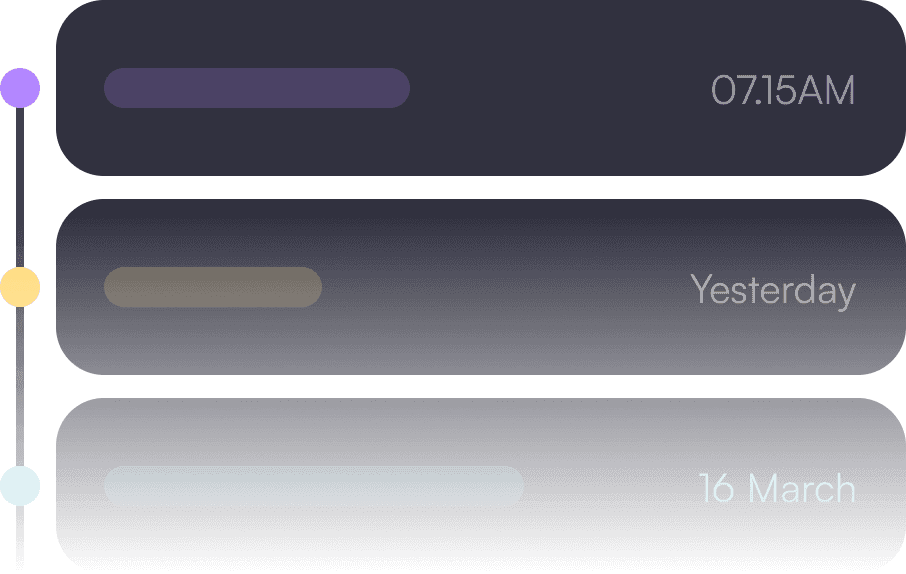
In the Firma.dev admin panel, each signing request has a visual timeline that displays every event in chronological order.
Events are color-coded to distinguish signer actions from admin actions, so you can scan the trail quickly without reading every line.
See the Full Picture, Without the Clutter
Consecutive identical events get condensed automatically. If a signer scrolled through a 40-page document, you'll see something like "scrolled x12" instead of twelve seperate scroll entries cluttering the timeline. The trail stays useful instead of becoming noise.

Give Every Team the Answers They Need, Without the API
This view is built for the people who need to review signing activity without touching the API.
Legal teams auditing executed contracts, compliance officers running periodic reviews, or your own customer success team investigating a support ticket can all get what they need from the timeline directly.
The audit trail API endpoint
For developers building compliance dashboards, internal tooling, or automated checks, the audit trail is available as a structured API endpoint.
The response returns an array of events sorted chronologically. Each event follows this schema:
The source field tells you whether the action came from an admin or a signer. The actor object is null for system-generated events. The details field carries additional metadata when relevant to the event type.
Full endpoint documentation is available in the API reference.
Export and download options
he audit trail can be exported as a standalone document or merged with the signed certificate PDF. For programmatic access, completed signing requests include separate download URLs:
document_only_download_urlreturns just the signed document without the certificate or audit trail pagescertificate_only_download_urlreturns just the certificate and audit trail pagesfinal_document_download_urlreturns the combined PDF with everything included
These are signed URLs that expire after one hour. Fetch the signing request again to get fresh URLs when needed.
Public Audit Trail Download for Signers
Firma.dev also exposes a public download route at
/download/:signerUserId/:signingRequestId
that lets signers retrieve their audit trail without authentication. This is useful if your product needs to give end users direct access to their signing records without routing them through your backend.
Built for compliance

Why Audit Trails Matter for Legal and Regulatory Compliance
A detailed audit trail isn't optional for most regulated workflows. It's the foundation of proving that a signature is legally valid and that your process holds up under scrutiny.
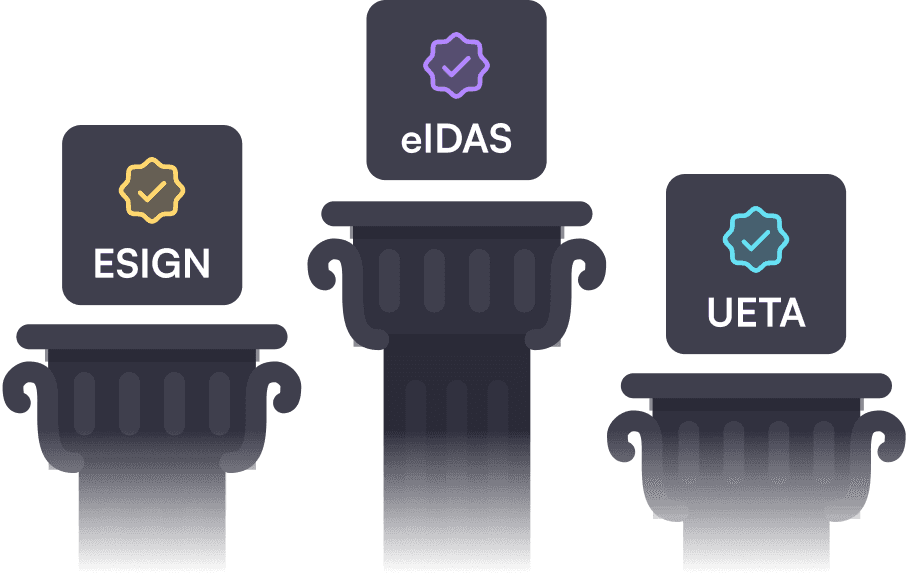
ESIGN Act, UETA, and eIDAS Support
Firma.dev's audit trail is designed to support compliance with the ESIGN Act and UETA by maintaining tamper-evident records of signer intent, including timestamps, IP addresses, and the sequence of actions leading to each signature. For eIDAS (SES and AdES levels), the trail provides the evidence chain that regulators expect when evaluating the reliability of an electronic signature.
HIPAA, SOC 2, and ISO 27001 Support
In HIPAA-regulated environments, the audit trail helps you meet access tracking requirements for documents containing protected health information. For SOC 2 and ISO 27001 frameworks, it supports the logging and monitoring controls that auditors look for during assessments.
The security page has more detail on our overall compliance posture.
