


That Word-to-PDF Conversion Step? You Don't Need It Anymore
Firma.dev Now Accepts DOCX Files Directly
Firma.dev now accepts DOCX files directly across every document upload endpoint. The API converts them to PDF server-side, automatically. Your existing PDF-based integrations keep working exactly as before.
Skip the PDF conversion step
One Field. PDF or DOCX.
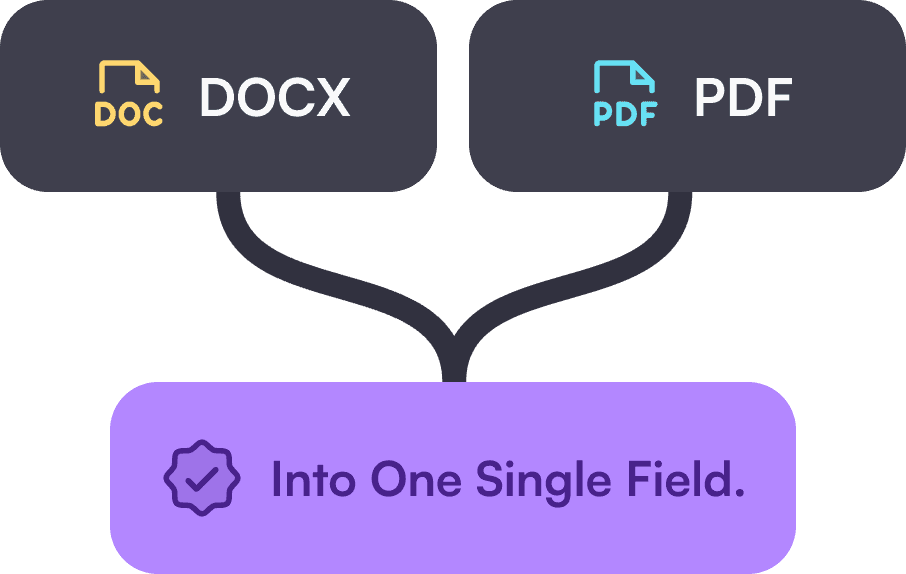
The document field on all upload endpoints now accepts base64-encoded DOCX files alongside PDF. Upload a Word document the same way you'd upload a PDF, and the API handles the rest. The response gives you back a PDF-based template or signing request, ready for field placement and signing.
No Extra Steps
No client-side conversion libraries, no preprocessing pipeline, no extra API calls. You send the DOCX, Firma.dev returns a PDF.
Works everywhere you upload documents
DOCX support applies to every endpoint that accepts a document:
Template creation (POST /templates), template document replacement (POST /templates/{id}/replace-document), signing request creation (POST /signing-requests), and template/signing request updates (PUT and PATCH). It also works in the UI editors and the embedded template editor.
The replace-document endpoint, for example, lets you swap a template's underlying document while preserving all field placements, signer assignments, and settings. The API changelog shows the request structure:
That document field accepts either format. Pass in a base64-encoded DOCX and the conversion happens transparently. Existing integrations that already send PDFs require zero changes.
What happens during conversion
Server-Side Conversion
When you upload a DOCX file, Firma.dev converts it to PDF server-side before storing it. The resulting PDF is what gets used for field placement, signing, and the final signed document download. There's no client-side dependency involved.
When to Use PDF Instead
Simple DOCX files, meaning standard text, tables, headers, footers, and basic formatting, convert cleanly. Complex Word-specific features like heavy macros, embedded OLE objects, or advanced layout tricks may not translate perfectly.
For documents where pixel-level fidelity matters, PDF remains the safer choice. Being upfront about this saves you from debuging layout surprises later.
When to use DOCX vs. PDF
This isn't about one format being better. It's about matching the upload format to your workflow.
Use DOCX when…
Your team authors documents in Word and wants to skip the conversion step
Templates are maintained as Word files by legal, HR, or operations teams
You want fewer handoffs between authoring and uploading
You want to reduce the risk of version confusion
Both formats go through the same signing workflow once uploaded. The only difference is what you send in the document field.
Getting started
DOCX support shipped with Firma.dev API v1.10.0. It's fully additive with no breaking changes.
If you're already sending PDFs, nothing changes. If you want to start sending DOCX files, just encode them as base64 and use the same endpoints you're already using.
Firma.dev charges €0.049 per envelope with no monthly minimums and no seat fees. Whether you upload PDF or DOCX, the pricing is the same.
Get started for free, no credit card required.