

Keep Signers in Your Brand, Not Ours
Two Levels of Branding
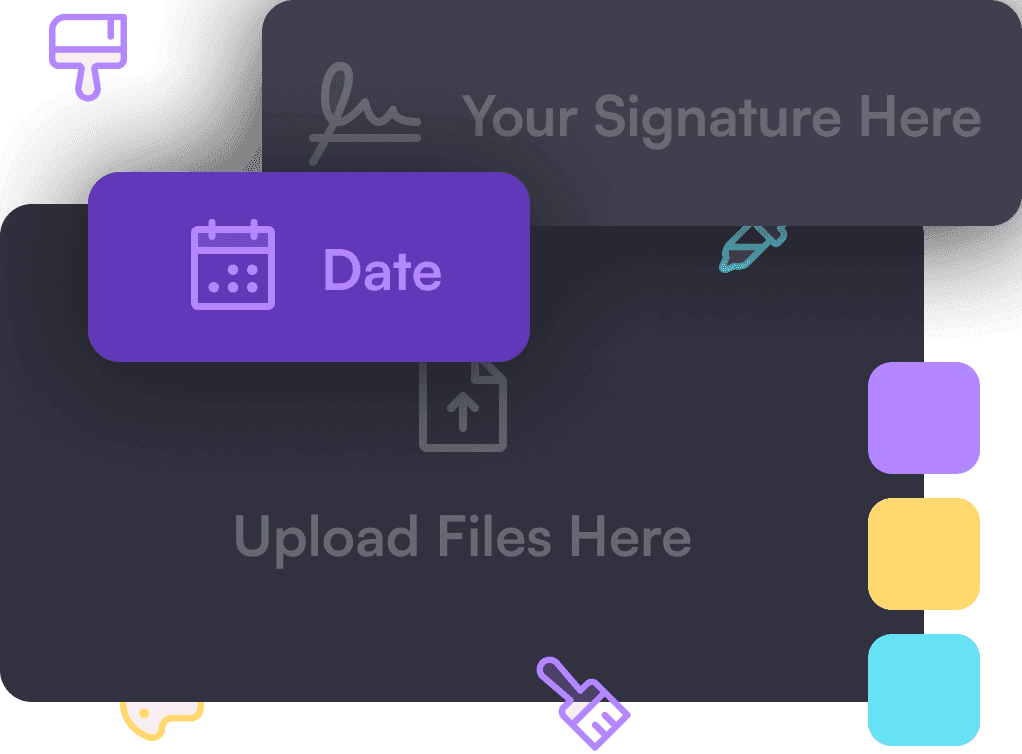
Firma.dev gives you two levels of branding. The first is your own brand: your sender domain, your colors, your copy, your embedded flows. The second is your customers' brands, where each customer you serve gets their own branded experience scoped to their own workspace. That second level is what makes Firma.dev work for SaaS platforms that resell signing to their own users.
Get started with Firma.dev for free, no credit card required.
The pieces of a fully branded flow
A branded e-signature flow is more than a logo swap. It covers where the emails come from, what the signer sees, and how the signing surface is embedded. Firma.dev exposes each layer so you can white-label as much or as little as you need.
Custom email domains
Signing notifications go out from your domain, not from Firma.dev. You verify a sender domain at the company level or per workspace using standard SPF, DKIM, and DMARC records, and signing requests then arrive from an address your customers already recognise. Workspace-level domains mean a multi-brand platform can send each customer's notifications from that customer's own domain.
Notification control
If you'd rather own the communication layer end to end, you can disable Firma.dev's outbound emails entirely and trigger your own. Webhooks tell your backend when a signing request is created, viewed, or completed, and you send the notifications through your existing infrastructure. This is the right setup when you already have a transactional email stack and want every message to match it exactly.
Embedded editors and embedded signing
Both the template editor and the signing experience embed directly inside your app. You generate a short-lived JWT, mount the editor or the signing view, and the signer never leaves your product. There is no redirect to a hosted Firma.dev page. The template editor uses a JavaScript library that mounts into your DOM, and the signing experience runs in a sandboxed frame, so you get a native feel without giving up isolation.
Customizable signer-facing copy
The text on the signing buttons is yours to change. From Workspace Settings, under Appearance, you can override labels like "Next Required Field", "Save & Finish Later", "Finish", and "Decline to Sign". Overrides are set per language and apply across all nine supported languages, so a signer in French sees your wording in French and a signer in German sees it in German. The signing view picks up your labels automatically.
Multi-brand white-labeling with Customer Workspaces
A Private Space for Every Customer
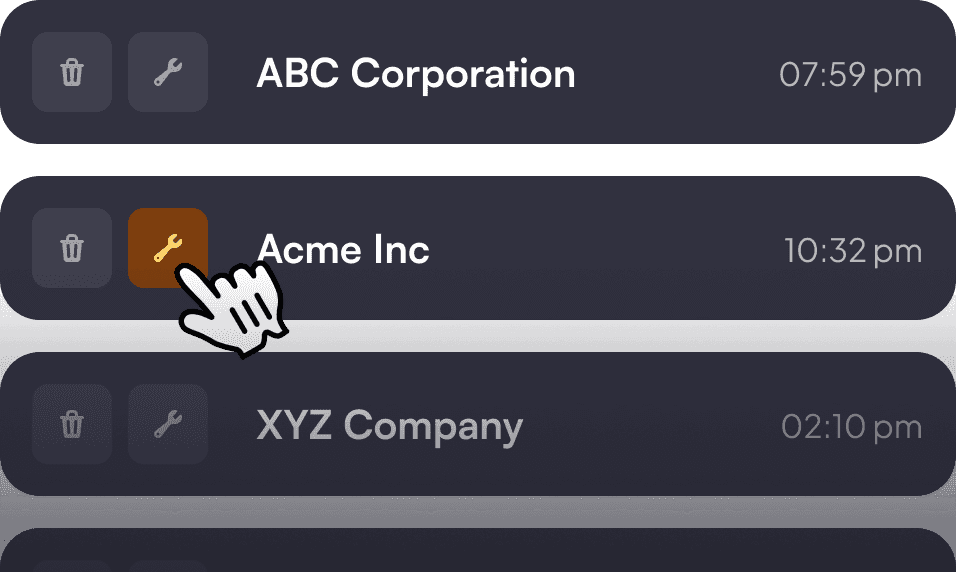
If you serve multiple customers, each one can get a private, partitioned space. Customer Workspaces keep templates, documents, envelope usage, and sender domains scoped per workspace, so one customer's branding and data never bleed into another's.
Built to Feel Like Their Own
You provision a workspace per customer, set their domain and appearance, and every signer they invite sees a flow that looks like it was built by that customer. For a SaaS platform reselling signing, this is the difference between one shared brand and a clean per-customer experience.

Legal Validity: White-Labeling Doesn't Change Compliance
A quick note on legal validity: white-labeling changes how the flow looks, not whether the signature holds up. Firma.dev is designed to support eIDAS (SES and AdES), the ESIGN Act, UETA, and GDPR, and the audit trail behind a branded envelope is the same one behind an unbranded one.
Building something broader? Browse all developer guides for the rest of our how-tos.
