



Document Collection Shouldn't Be a Separate Workflow
File Upload Fields: Everything in One Place, One API Call
Firma.dev's file upload fields let you collect supporting documents inside the signing flow itself. Signers can upload images or PDFs directly alongside their signature, initials, and other form fields. One experience, one API call, everything in one place.
File upload fields shipped in v1.11.0 and are available on all accounts.
What are file upload fields?

Placing and Configuring File Upload Fields
The file field type works like any other field in Firma.dev. You place it on a document, assign it to a recipient, and mark it as required or optional.
When the signer opens the document, they see an upload area where they can attach a file.
Accepted File Types
The difference is what it collects. Instead of capturing a signature or text input, a file field accepts image uploads (JPG, PNG) and PDF files. The signer picks a file from their device, Firma.dev validates it server-side, and the attachment becomes part of the completed signing request.
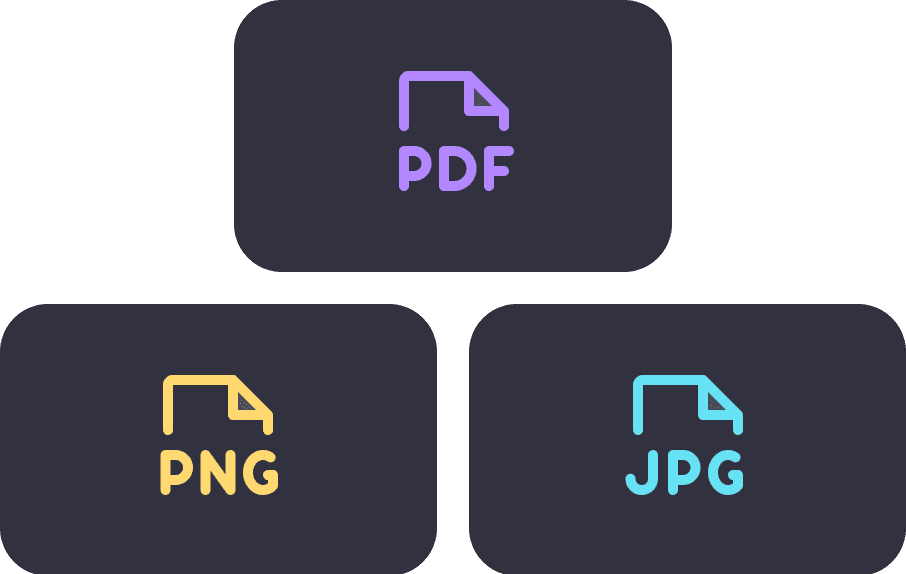

all in One Submission
This means you can build workflows where the signed agreement and its supporting documentation arrive together, not as separate submissions days apart.
How it works
Each file upload field has a format_rules object that controls which file types are accepted. There are three modes:
image_and_pdf
Accepts both images (JPG, PNG) and PDF files. This is the default.
image
Accepts only JPG and PNG.
pdf
Accepts only PDF files.
The maximum file size is 10MB per upload. Files are processed server-side via edge functions, not stored client-side.
Here's how to add a file upload field to a signing request:
This creates a signing request with a signature field and a file upload field on the same page. The file field is configured to accept images only, which makes sense for something like an ID photo.

Magic byte validation
Firma.dev validates uploaded files by inspecting their actual content (magic bytes), not just the file extension. If someone renames a .exe to .jpg and tries to upload it, the validation catches it.
This is a meaningful security layer that most e-signature platforms skip, relying instead on extension-based checks that are trivial to bypass.
The validation happens server-side before the file is accepted, so invalid files never make it into your signing request data.
Use Cases
File upload fields are useful anywhere you need supporting documentation alongside a signed agreement.
Employee onboarding
Collect a signed offer letter and a photo of the new hire's government-issued ID in the same flow. Set acceptedFileTypes to image for the ID upload field, and the signer takes a photo or selects one from their device.
Insurance workflows
Require proof of insurance as a PDF upload alongside the signed policy agreement. One signing experience captures both the commitment and the evidence.
Expense approvals
Attach receipt images to a signed expense report. Mark the file field as optional if receipts aren't always required, or required if your policy demands them.
Compliance and inspections
Collect photo evidence (safety inspections, property condition reports) alongside the signed compliance form. The file and the signature are linked to the same signing request, so there's no ambiguity about which document the photos belong to.
In each case, the alternative without file upload fields is a multi-step process: sign the document, then separately collect attachments through email, a form builder, or a file sharing link. That's more integration work for you and more friction for the signer.
API reference
The file field type is available everywhere fields are defined: signing request creation (POST /signing-requests), template creation (POST /templates), and field updates via PATCH operations.
The field schema follows the same structure as other field types, with the addition of format_rules for file type configuration:
The acceptedFileTypes values are image_and_pdf (default), image, or pdf. If you omit format_rules entirely, the field defaults to accepting both images and PDFs.
File upload fields work alongside all other field types in the same signing request. You can combine them with signatures, initials, text inputs, checkboxes, anchor tags, and any other field type without restrictions.
See the API changelog for the complete FileFormatRules schema.
Why this matters

The Hidden Friction After the Signature
Most e-signature platforms treat document collection as somebody else's problem. You sign the contract in one tool, then chase down attachments through email, Slack, or a separate upload portal. Every handoff is a chance for drop-off, delays, and lost files.
Everything in One API Response
Firma.dev collapses that into a single flow. The signer opens the document, fills in their fields, uploads their supporting files, and signs. Everything arrives together in one API response. For developers, that means less integration plumbing and fewer edge cases. For signers, it means one thing to do instead of two.

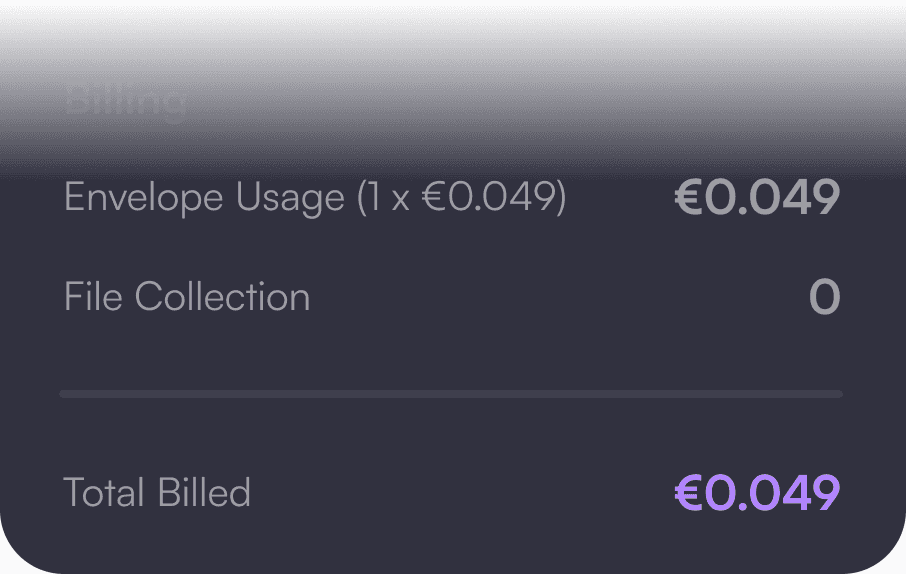
No Extra Cost
At €0.049 per envelope, adding file collection to your signing flow doesn't cost extra. The file upload field is just another field type, included in the same envelope.
