News & Research
Electronic Signature Law: What Developers Need to Know About ESIGN, UETA, and eIDAS
Every developer building e-signature functionality eventually hits the same question: "Wait, is this actually legal?"
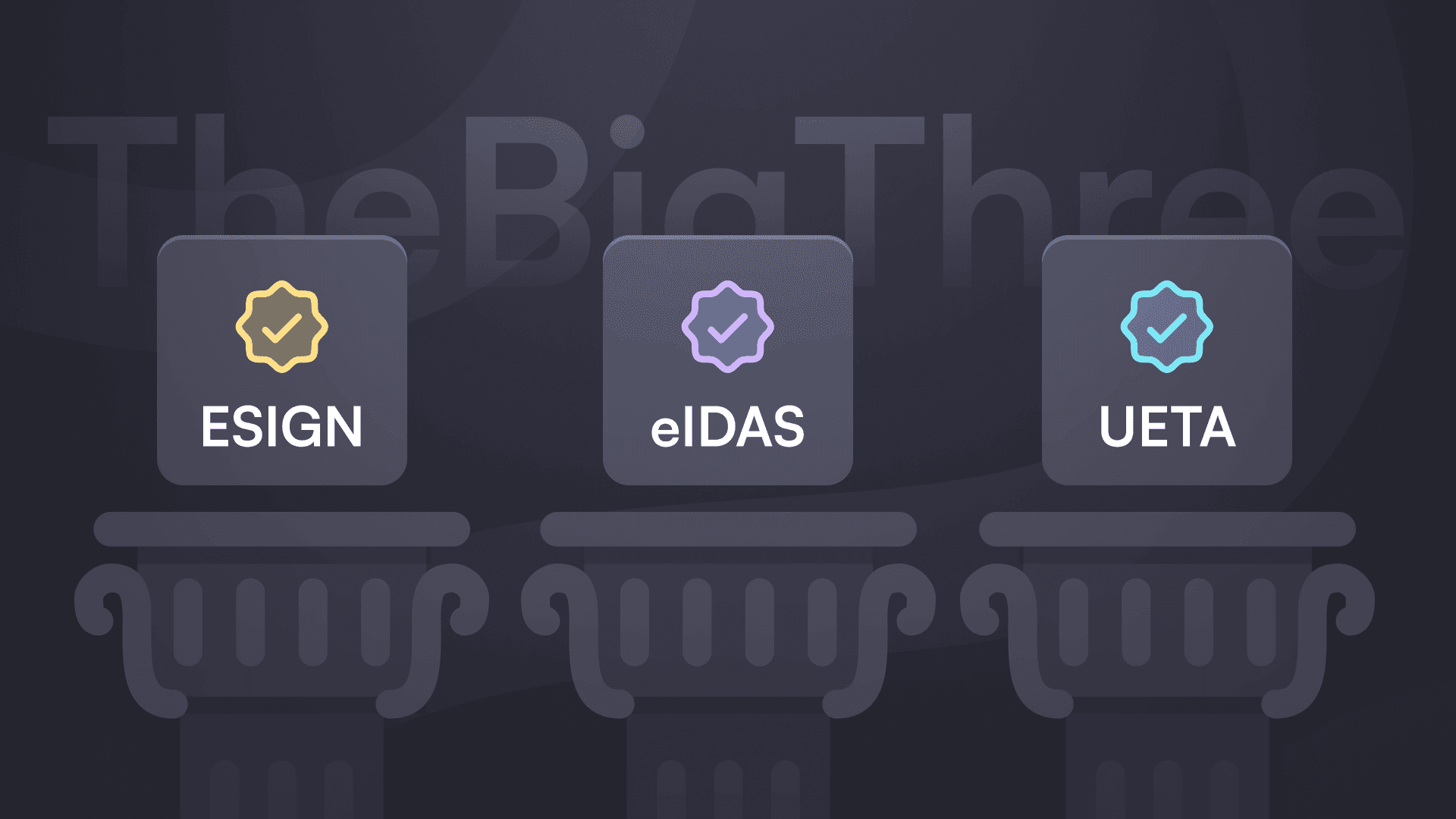
The answer is yes, but with conditions. Two US federal and state laws, plus one EU regulation, define what makes an electronic signature enforceable. The good news is that the requirements are straightforward and your code probably already handles most of them. The bad news is that existing guides are written by lawyers for compliance officers, not by developers for developers.
This is the practical version. No legalese, no hedge-everything disclaimers. Just what the law requires from your implementation.
The Two Laws That Made E-Signatures Legal in the US
Before 2000, the legal status of electronic signatures varied wildly by state. Some courts accepted them, others didn't. The result was chaos for anyone building software that needed signatures.
Two laws fixed this.
UETA (Uniform Electronic Transactions Act) came first, drafted in 1999 by the Uniform Law Commission. It's a model law that states can adopt, and 49 states have done so. Only New York went its own way with a separate statute called ESRA (Electronic Signatures and Records Act), which functions similarly.
ESIGN Act (Electronic Signatures in Global and National Commerce Act) followed in 2000 as a federal law. President Clinton signed it on June 30, 2000, making electronic signatures valid for interstate and international commerce nationwide. Where state laws conflict with ESIGN regarding interstate commerce, ESIGN wins.
The practical effect is that anywhere in the US, electronic signatures carry the same legal weight as ink on paper. Your users can sign contracts, agreements, and most business documents electronically without worrying about enforceability.
What ESIGN and UETA Actually Require
Both laws share the same four requirements for a valid electronic signature. These aren't suggestions. They're what your implementation needs to satisfy for signatures to hold up in court.
1. Intent to sign
The signer must demonstrate they intend to sign the document. This doesn't require a fancy signature image. Clicking an "I agree" button, typing a name in a signature field, or checking a box labeled "Sign" all qualify. What matters is that the action clearly indicates acceptance.
Your implementation should make the signing action unambiguous. Don't bury it in a list of checkboxes. Make it a distinct step that the user consciously completes.
2. Consent to do business electronically
All parties must agree to conduct the transaction electronically. For B2B transactions, this can be implied from context (you're both using software to sign, after all). For consumer transactions, ESIGN requires more: you need to disclose their right to receive paper documents, explain how to withdraw consent, and confirm they can access the electronic records.
Most SaaS applications handle this with a terms acceptance flow before the first signature. Once a user consents to electronic transactions, that consent typically covers future signatures unless they withdraw it.
3. Association of signature with the record
The signature must be connected to the document in a way that shows it was applied to that specific record. This is where audit trails become essential. You need to capture what was signed, when it was signed, and evidence linking the signer to that action.
At minimum, your system should record timestamps, the document hash at signing time, and a reference connecting the signature event to the specific document version.
4. Record retention
Both parties must be able to access and save the signed document. The law doesn't specify a format, but the record needs to accurately reflect the agreement and be reproducible on demand.
This means providing download links, sending copies via email, or storing documents in a way that signers can retreive them later. If a court needs to see the signed document three years from now, you need to be able to produce it.
When You Need More Than a Basic E-Signature
ESIGN and UETA cover most business transactions, but they explicitly exclude certain document types. For these, electronic signatures either don't apply or require special handling.
Documents that still need ink:
Wills, codicils, and testamentary trusts (all 50 states exclude these)
Court orders and official court documents
Adoption papers and divorce agreements
Certain UCC transactions (though Articles 2 and 2A, covering sales and leases, are included)
Utility cancellation notices
Insurance cancellation notices
Product recall notices
Industry-specific requirements:
Some industries layer additional rules on top of ESIGN and UETA.
Healthcare (HIPAA): E-signatures are permitted, but you need to ensure the overall system protects PHI. The signature itself isn't the issue; it's the handling of the documents containing health information.
FDA-regulated industries (21 CFR Part 11): If you're building software for pharmaceutical or medical device companies, Part 11 adds requirements around audit trails, system validation, and electronic records. The signatures must be linked to the signer in a way that can't be falsified, and you need secure, timestamped audit trails.
Financial services: Various regulations (SEC, FINRA, state insurance laws) may impose additional record-keeping or authentication requirements depending on the transaction type.
The key point is that ESIGN and UETA provide the foundation, but your specific use case might require more. Check the regulations governing your industry before assuming the baseline is enough.
How This Maps to EU Law (eIDAS Crash Course)
If your users sign documents in the European Union, you're also dealing with eIDAS (Electronic Identification, Authentication and Trust Services), which took effect on July 1, 2016. The approach is different from US law.
Where ESIGN and UETA treat all electronic signatures equally, eIDAS defines three levels with increasing legal assurance:
Simple Electronic Signature (SES)
The baseline. Any data in electronic form that a person uses to sign qualifies. Typing your name, clicking a button, or drawing a signature on a touchscreen all count. SES is valid for most business transactions and can't be denied legal effect solely because it's electronic.
Think of SES as equivalent to what ESIGN and UETA cover. It's legally valid, but if someone disputes the signature, the burden of proof may fall on you to demonstrate it's authentic.
Advanced Electronic Signature (AdES)
A higher bar. AdES must meet four criteria: uniquely linked to the signer, capable of identifying the signer, created using data under the signer's sole control, and linked to the document so any subsequent change is detectable.
In practice, AdES typically requires cryptographic signatures with identity verification. The signer's key or credential must be uniquely theirs, and the signed document must be tamper-evident. Most business contracts, HR documents, and financial agreements use AdES when parties want stronger assurance.
The takeaway for cross-border applications: If you're building for both US and EU users, design your system to meet AdES requirements. It will automatically satisfy US law (which has no tiered system) while providing the stronger assurance EU users may expect. Focus on capturing signer identity, maintaining tamper-evident records, and building comprehensive audit trails.
Building Compliant E-Signature Flows: The Technical Checklist
Here's what your implementation should capture for each signature event:
Signer identification:
Email address (verified)
IP address at signing time
Timestamp (ideally with timezone)
User agent or device information
Any additional authentication factors (SMS codes, SSO session, etc.)
Document integrity:
Hash of the document at the moment of signing (SHA-256 is standard)
Version identifier if the document can be modified
Mechanism to detect if the document changed after signing
Consent and intent:
Record of consent to electronic transactions
Explicit action that constitutes the signature (button click, drawn signature, typed name)
Clear indication the signer understood they were signing
Audit trail:
Every action taken on the document: viewed, signed, downloaded, forwarded
Timestamps for each action
Immutable storage (append-only logs, cryptographic chaining, or write-once storage)
Record retention:
Ability to reproduce the exact signed document
Access controls so authorized parties can retrieve it
Retention period aligned with the document type (contracts often need 7+ years)
If your system captures all of this, you're in solid shape for ESIGN, UETA, and eIDAS SES/AdES compliance. The exact implementation varies by platform, but the data requirements are consistent.
Where Firma.dev Fits
Firma.dev is designed to handle these requirements out of the box. Every signature generates an immutable audit record capturing signer identity, timestamps, IP addresses, document hashes, and consent. Documents are tamper-evident, and audit logs can't be modified or deleted after creation.
For eIDAS alignment, Firma.dev supports both Simple and Advanced Electronic Signatures with EU data residency by default. All data stays in EU data centers, which simplifies GDPR compliance for cross-border transactions.
The technical details are covered in the security documentation and the complete setup guide. If you're building signing flows that need to hold up legally, Firma.dev gives you the infrastructure without the implementation headache.
Get started with Firma.dev for free, no credit card required.
Related articles
Our platform is designed to empower businesses of all sizes to work smarter and achieve their goals with confidence.