

Guides
Conditional Fields: Build Smart, Branching Signing Workflows Through the API
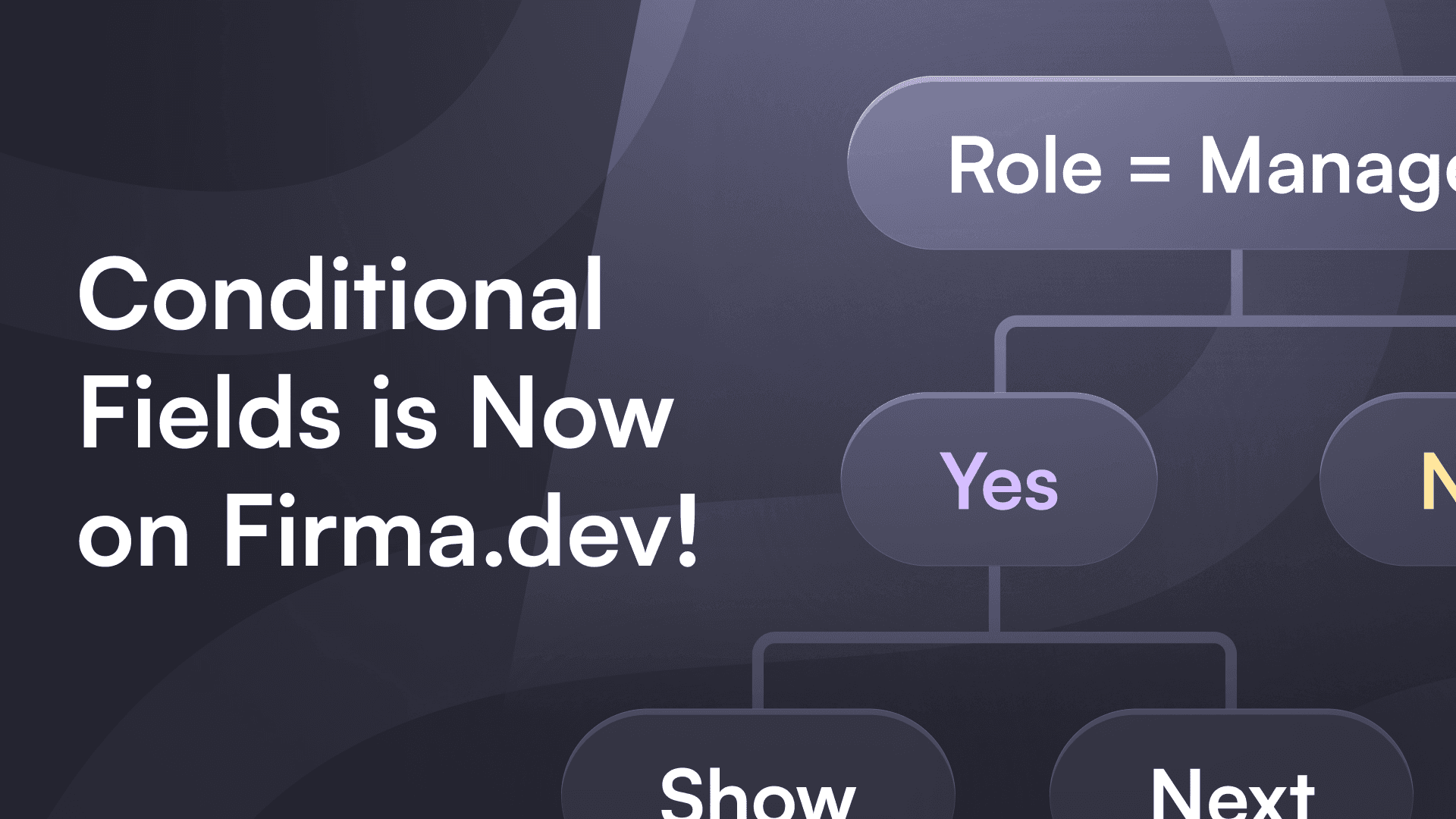
Most signing documents aren't static. A spouse name field should only appear when someone selects "Married." An additional disclosure section should become required when a transaction exceeds a certain dollar amount. A shipping address block only matters when the signer checks "Ship to different address."
Without conditional fields, you're building all of that logic in your own UI layer. You're managing visibility toggles, validation rules, and edge cases client-side, and hoping nothing gets bypassed. It works until it doesn't.
Firma.dev's API now supports conditional fields natively. You define the rules in your field schema, and the API handles visibility, required status, and server-side enforcement on submission. No custom UI logic needed.
Two types of conditions
Every field object in the Firma.dev API now accepts two new nullable properties: required_conditions and visibility_conditions.
required_conditions overrides the static required flag on a field. When you set required_conditions, the field becomes required only when the conditions evaluate to true based on other field values at submission time. If the conditions evaluate to false, the field is optional, regardless of what the required flag says.
visibility_conditions controls whether the signer sees the field at all. When set, the field stays hidden unless the conditions evaluate to true. Hidden fields are skipped entirely during validation, so you won't get errors on fields the signer never saw.
Both properties are nullable. When left as null (the default), the field behaves exactly as it did before: the static required flag determines whether it's required, and the field is always visible. Existing integrations don't need any changes.
The condition schema
Conditions use a three-level nested structure: ConditionSet, ConditionGroup, and Condition. This is the part worth understanding carefully, because it's what gives you composable boolean logic without deeply nested trees.
ConditionSet is the top-level container. It has two properties: a logic operator (either and or or) and an array of groups (ConditionGroup objects). The logic operator determines how the groups combine. If logic is and, all groups must evaluate to true. If logic is or, any single group evaluating to true is enough.
ConditionGroup contains an array of conditions (individual Condition objects). Here's the key detail: conditions within a group are combined using the opposite logic of the parent ConditionSet. If the ConditionSet uses and, conditions inside each group are combined with or. If the ConditionSet uses or, conditions within each group use and.
This opposing logic pattern is what makes the schema expressive without requiring deep nesting. It lets you build statements like "(amount > 50000 OR customer type equals Enterprise) AND region is not empty" with just two groups inside an and ConditionSet. The first group would contain two conditions (amount and customer type, combined with or because the parent is and), and the second group would contain one condition for the region check.
Condition is a single evaluation. It references a field_id (the UUID of another field on the document), an operator, and an optional value for comparison.
Operator reference
Firma.dev supports 10 comparison operators across conditional fields:
is_filled checks whether a field has any value at all. Useful for showing follow-up fields when a signer starts filling out a section. is_empty is the inverse, and works well for requiring a fallback field when a primary field is left blank.
equals and not_equals do exact value matching. Show spouse fields when marital status equals "Married," or hide a section when country does not equal "US."
contains and not_contains check for substrings. You could show compliance-related fields when a description field contains "regulated," or skip a section when notes don't mention a specific keyword.
greater_than, less_than, greater_than_or_equal, and less_than_or_equal handle numeric comparisons. These are the operators you'd reach for when building threshold-based logic, like requiring manager approval when an amount exceeds 10,000 or applying simplified terms when a contract value falls below a certain number.
How conditions look in practice
The API changelog includes an example of the simplest conditional pattern: making a field required only when another field has been filled in. The required_conditions property takes a ConditionSet with and logic, a single group, and a single condition using the is_filled operator:
The field_id references the UUID of the field you're evaluating. In this case, whenever that referenced field has any value, the current field becomes required. When it's empty, the field reverts to optional.
You can build on this pattern in several directions. For conditional visibility, you'd use the same ConditionSet structure under visibility_conditions instead of required_conditions. A "Spouse Name" text field that only appears when a "Married" checkbox is checked would use visibility_conditions with a single is_filled condition pointing to the checkbox field's UUID.
For multi-condition logic, you add more groups or more conditions within groups. If you need a compliance certification field to be required only when the transaction amount is greater than 10,000 AND the country equals "US," you'd create a ConditionSet with and logic containing two groups, each with one condition. The first group checks the amount with greater_than, the second checks country with equals.
The most expressive pattern uses the opposing logic rule. Say you want to show a "Special Terms" section when (amount > 50,000 OR customer type equals "Enterprise") AND region is not empty. You'd set the ConditionSet's logic to and with two groups. The first group contains two conditions (amount and customer type), which are automatically combined with or because the parent uses and. The second group holds the single region condition. The result is a clean, readable structure that would otherwise require nested boolean trees.
Server-side enforcement
All conditions are evaluated server-side when the signer submits. This is not optional, and it's not something that can be bypassed by client-side tampering.
If a field is conditionally required and the condition evaluates to true at submission time, the API returns a validation error when that field is empty. If a field's visibility_conditions evaluate to false, the field is hidden and skipped entirely during validation. No edge cases, no race conditions between your UI and the backend.
For compliance workflows, this matters. The conditions you define in the API are the conditions that get enforced, period. Your client-side UI can render the visibility and required states in real time for a good signer expereince, but the source of truth lives server-side.
Where conditions work
Conditional fields are available across every surface in Firma.dev: the template editor UI, the signing request editor UI, the embedded template editor, the embedded signing request editor, and the full REST API for both templates and signing requests.
Conditions set through the API appear and evaluate correctly in all UI surfaces, and conditions configured through the editors are fully accessible via the API. There's no feature gap between the visual tools and the programatic interface.
Getting started
Conditional fields shipped as part of Firma.dev API v1.10.0. They're fully additive with no breaking changes. Fields without conditions continue to work exactly as they did before, and existing integrations require zero modifications.
You can start using required_conditions and visibility_conditions on any field object today. Check the API changelog for the full schema reference, and the API docs for the complete field specification.
Firma.dev charges €0.049 per envelope with no monthly minimums, no seat fees, and no upfront commitments. If you're building signing workflows that need to adapt based on signer input, conditional fields let you move that logic where it belongs: into the API, enforced on every submission.
Get started with Firma.dev for free, no credit card required.
Related articles
Our platform is designed to empower businesses of all sizes to work smarter and achieve their goals with confidence.




