Guides
Product Updates
Send Signing Emails in 7 Languages: Firma.dev's Multilingual Email Support

You've localized your app. Your UI renders in French for French users, German for German users, Portuguese for Brazilian users. But the moment a signing request goes out, your signer gets an email that says "Please review and sign this document" in English. It's a small thing that breaks the experience right at the moment it matters most.
Firma.dev now sends signing notification emails in 7 languages out of the box, with no custom template setup required.
The Problem With English-Only Signing Emails
Most e-signature APIs default to English and leave localization as a problem for the developer to solve. That means writing and maintaining translated email templates for every language your product supports, for every email type in the signing workflow, and keeping them updated whenever your copy changes.
For a signing flow with 5 email types across 4 languages, that's 20 templates to create, test, and maintain. And if you miss one, a signer in Lyon or Lisbon gets a system email in a language they didn't choose.
Beyond the maintenance burden, there's a trust dimension. A signing email that doesn't match the language of the signer's interface feels like a mistake, even if the document itself is correct. For high-value contracts, that friction matters.
How Firma.dev's Language Support Works
Firma.dev added a language field to both Company and Workspace settings. When it's set, the platform uses built-in localized templates for all 5 signing notification email types: signing_invite, next_signer, signing_expired, signing_cancelled, and signing_declined.
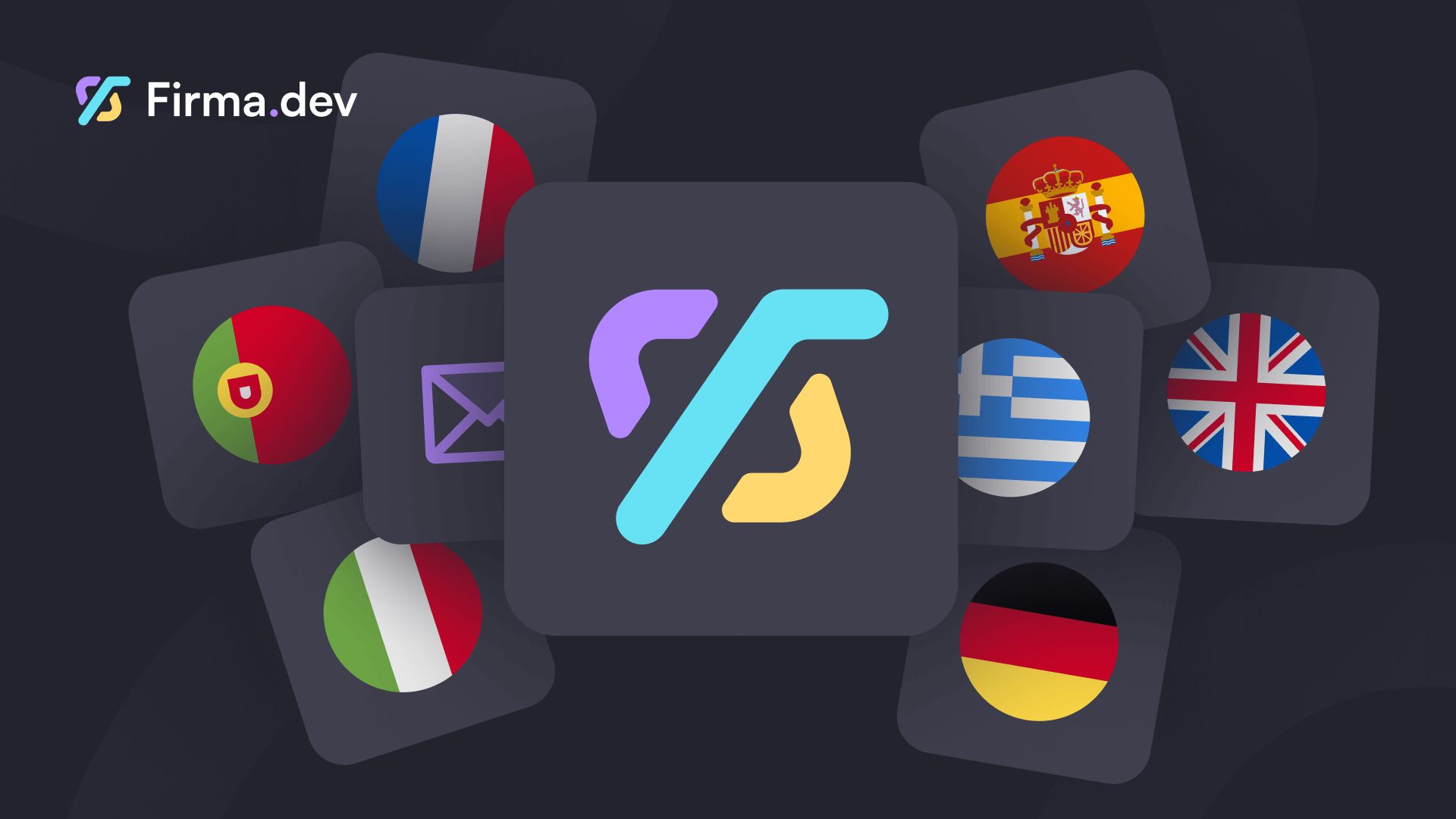
The 7 supported languages are:
Code | Language |
|---|---|
| English (default) |
| Spanish |
| Italian |
| Portuguese |
| French |
| German |
| Greek |
The language setting cascades the same way email templates do: signing request level takes precedence, then workspace, then company. Set it once at the company level and every workspace inherits it, or override per workspace for more granular control.
One important clarification: the language field only affects built-in default templates. If a workspace has a custom email template configured for a given email type, that custom template is used regardless of the language setting. The language field is the fallback layer, not an override.
Setting a Language Per Workspace
If you're using Firma.dev's customer workspace model, each workspace can have its own language. A French customer gets French emails, a German customer gets German emails, all from the same integration without any template management.
Setting the language at workspace level is a single PATCH call:
And at company level, to set the default for all workspaces:
That's it. No template creation, no translation work, no maintenance overhead.
Using the Defaults as a Starting Point
For teams that want localization plus light brand customization, the GET /email-templates/defaults/{language} endpoint returns the full built-in template for any supported language. Pull it, adjust the copy or add your brand's HTML styling, and save it as a custom workspace template using PUT /workspace/{workspace_id}/email-templates/{email_type}.
This pattern gives you the best of both: you don't write translations from scratch, and you still control how the emails look and sound. For most SaaS products, this is the right approach once you've validated that the built-in defaults read naturally for your market. Both endpoints are documented in the API changelog.
What This Means for International SaaS Builders
Building a signing workflow for a global product used to mean either accepting English-only emails or owning the translation layer yourself. With 7 languages now handled at the platform level, that's no longer a tradeoff you have to make.
Combined with Firma.dev's embedded signing UI, which also localizes to the signer's language, you can now deliver a fully localized signing experience from the invite email through to the final confirmation, without writing a single line of translation code.
At €0.049 per envelope (or about 5 cents USD) with no monthly minimums, you're not paying extra for the international coverage. It ships with the API.
Get started with Firma.dev for free, no credit card required.
Related articles
Our platform is designed to empower businesses of all sizes to work smarter and achieve their goals with confidence.